
China eSIM Guide: Devices, Activation and Plan Conditions
Distinguish mainland-carrier eSIMs, travel eSIMs and home-number roaming. Check device, activation location, coverage, validity, SMS and costs with the carrier and plan.
Focused source review: 2026-10-19
Sources
Focused review: 2026-10-19. Official rules are distinguished below from planning advice and details awaiting confirmation. This is not an individual service test.
Check the exact device
Neither “all mainland iPhones lack eSIM” nor “all overseas models support it” is accurate. Apple currently lists selected mainland models that support mainland-carrier eSIM. Check the exact model, purchase region, software and carrier lock. Mainland-carrier and overseas travel eSIMs have different activation conditions; check the manufacturer and carrier for the exact Android model too.
Source: Apple 在中国大陆将eSIM与iPhone搭配使用 · 2026-09-09
Source: Apple Use eSIM while traveling internationally · 2026-09-17
Apple says supported mainland iPhones require a carrier-store visit and identity checks to activate mainland-carrier eSIM. Its guidance for supported mainland-purchased models also says overseas-carrier eSIMs cannot be installed while in mainland China. Do not turn that into a ban on travel eSIM use by every overseas phone. Ask the provider to confirm your purchase region and exact model.
Source: Apple 在中国大陆将eSIM与iPhone搭配使用 · 2026-09-09
Plan terms and installation
Before buying, check mainland-China coverage, data-only versus voice/SMS service, whether a number is included, whether validity starts at installation or first connection, data caps, throttling, hotspot use, top-ups, refunds and support. “Asia” or “Greater China” in a product name is not a substitute for the coverage list. No particular plan’s price or availability is confirmed here.
Source: Apple Use eSIM while traveling internationally · 2026-09-17
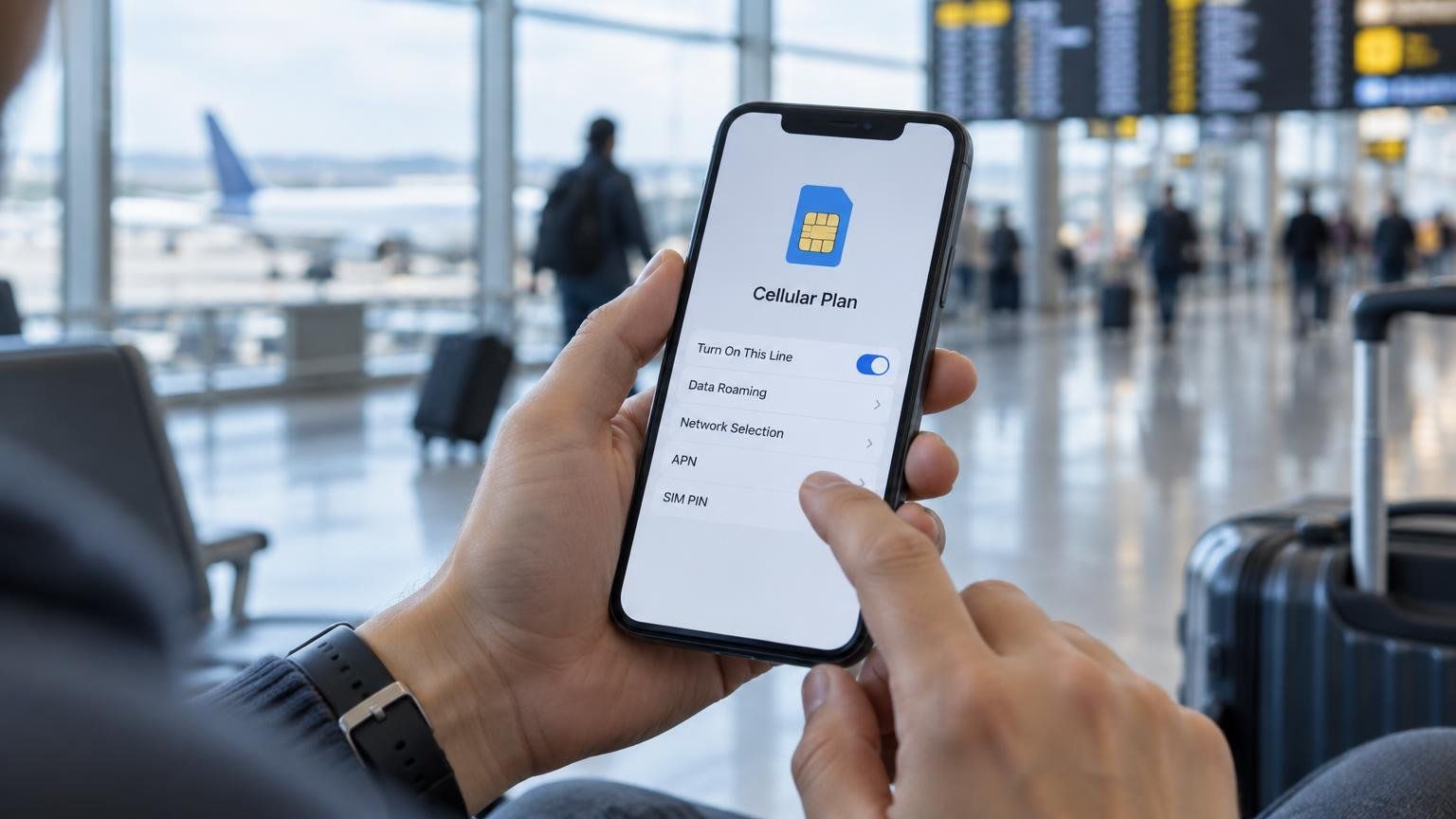
Follow the plan’s validity policy when deciding when to install; early installation does not universally preserve all paid days. Use a stable connection and save setup instructions and support details. Configure the data line, APN and data roaming as instructed. Ask your home carrier about keeping your original line on for SMS and any charges; a data-only eSIM does not itself provide regular SMS or voice calls.
Source: Apple Use eSIM while traveling internationally · 2026-09-17
App access and backups
Internet access in mainland China is controlled. UK government travel advice lists services such as Google, Facebook, YouTube and X as blocked. A static app list is not a live connectivity test. Routing, carrier, plan, service-region rules and account status can affect use; an internet connection does not establish that every app, login or payment will work.
Source: 英国政府 China travel advice: safety and security
Download essential apps and offline map/translation data before departure, save accommodation addresses, tickets and contacts, and test verification-message reception. After arrival, check data, maps, payments and ride-hailing. Plan a fallback for mountain areas, long transfers and congestion. Confirm coverage, speed and service access with the provider; connection within a minute or uninterrupted coverage is not promised.
Still to confirm
Still to confirm: travel dates, documents, the actual service/plan/account, costs and availability. Any booking help, transfers, driver, guide or connectivity assistance from this company needs its scope, language, hours and price confirmed in writing. This article has not booked tickets, opened an account or tested service for an individual traveller and is not a guarantee.
Related practical guides
China high-speed rail: documents, luggage, children and ticket changes
Need help planning your China trip?
Contact our travel advisors for personalized route suggestions.